Web Design
Dr. Riese
Please go to Codeacademy.com and complete HTML5 & CSS before starting Web Design

Learn Coding & Web Design
Codeacademy.com & HTML5 & CSS | Web Design
Once you learn the principals of Adobe Photoshop (Complete All the Required Photoshop Projects), you will have the skillsets to edit your own images to fit specific dimensions. This is the main job of a graphic artist in general, but now you will apply your photoshop knowledge to design your own websites with authentic images. You never need a graphic artist now, because you are one!
Complete html5 & CSS in Codeacademy.com which is a free website to learn coding. You will get a small certificate at the end (Take a screen shot and save it in Photoshop as a PDF for your records), and this will give you the knowledge to properly edit 5 different website templates I will assign you with the html5 & CSS script already set up for you to edit.
Web Design
You will now complete 5 sequential websites in order from small to large scale with authentic content.
Website Design Themes
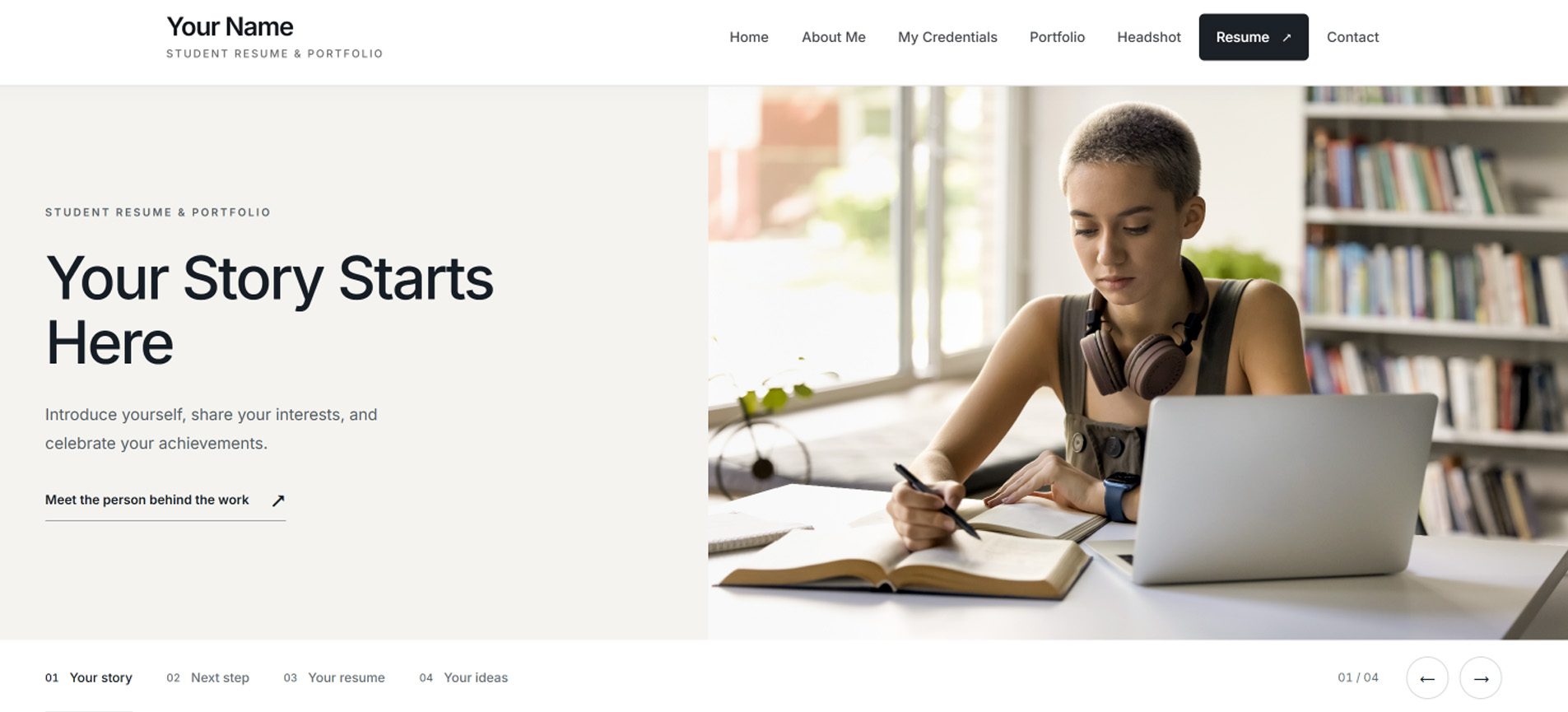
- 1. Resume & Portfolio Website Theme | Student portfolio single-page website featuring a student resume and portfolio to share with employers.
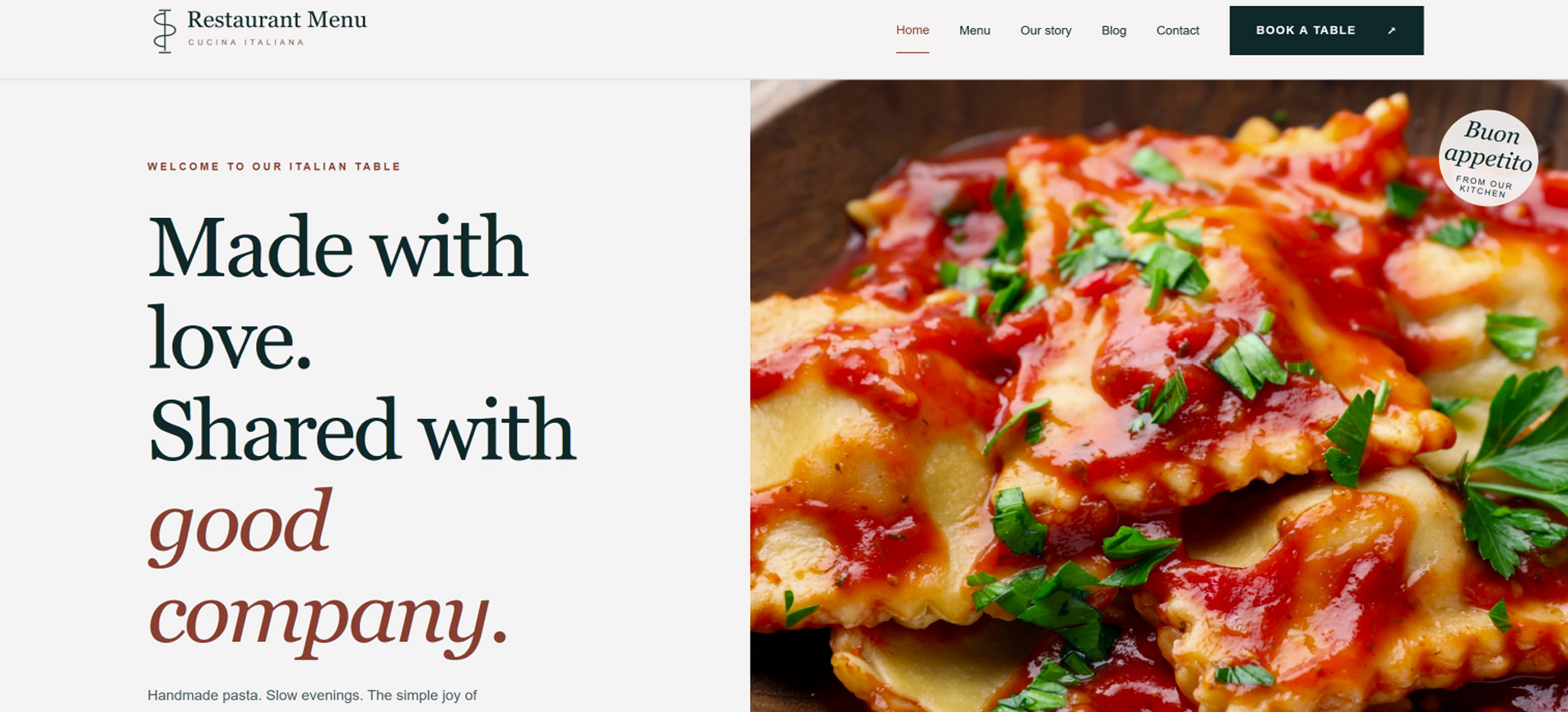
- 2. Restaurant Menu Website Theme | Restaurant Menu multi-page website based on student culture, food, traditions, and family heritage.
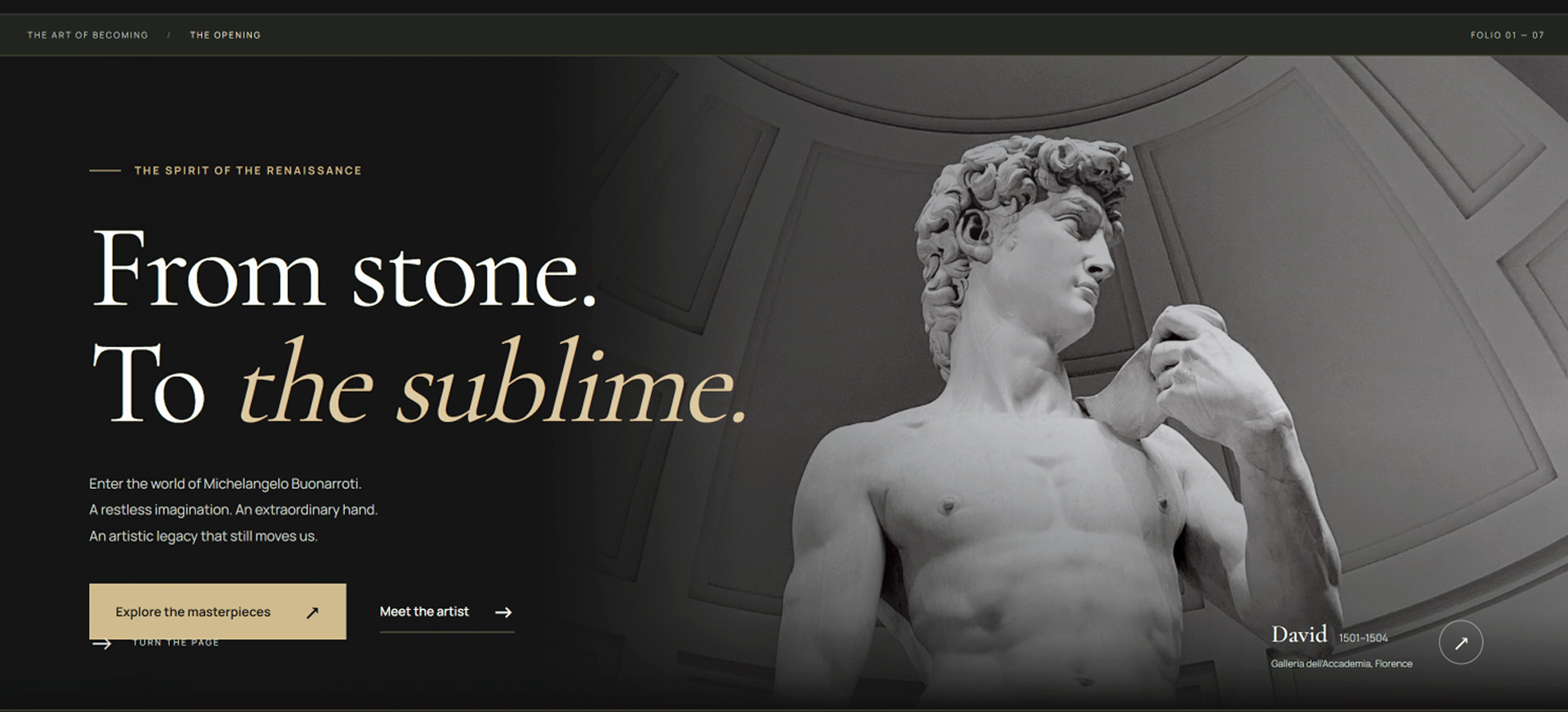
- 3. Artist or Musician Website Theme | Biography website design gallery featuring an artist or musician with museums and/or biographical links.
- 4. Travel Agency Website Theme | Travel Agency website design based on the student's country of origin, culture, cities, and unique cuisines.
- 5. Construction Company Website Theme | Travel Agency website design based on the student's country of origin, culture, cities, and unique cuisines.
- 6. Coffee & Pastry Shop Website Theme | Coffee & Pastry Shop multi-page website design featuring a custom online menu with gift cards.
Learn Web Design
Start Website Design Here!Please watch the 14 sequential videos. The Default Website Design is the 1st website you will create. Please complete the tutorials in order.
Web Design Tutorials
- Video 1 | Top Slider Images & Headlining Text
- Video 2 | Use Photoshop To Place a Logo on a Website
- Video 3 | Use Photoshop To Place a Favicon Icon on a Website
- Video 4 | Insert a Title Description on a Website's page
- Video 5 | Complete the About Section & Connect Social Media Icons
- Video 6 | Insert Google Map and Link it to a Website
- Video 7 | Complete a Contact Form and Contact Links of a Website
- Video 8 | Insert a Photo Gallery (Part 1)
- Video 9 | Insert a Photo Gallery (Part 2)
- Video 10 | Services Section of a Website Content links (Part 1)
- Video 11 | Services Section of a Website Insert Icos (Part 2)
- Video 12 | Connecting Downloadable Documents to a Website
- Video 13 | Delete a Section of a Website
- Video 14 | Linking Pages & Sections of a Website
-
1. Resume & Portfolio Website
Students will create a resume and an online portfolio one-page website to share with colleges and employers.
Website Theme Example
Website Editing Reference Guideline
Download Website Theme -
2. Restaurant Menu Website
Students will create a multi-page restaurant menu website based on student culture, food, and family heritage.
Website Theme Example
Website Editing Reference Guideline
Download Website Theme -
3. Artist or Musician Website
Students create a biography website based on an artist or musician with backlinks to museums or their accomplishments.
Website Theme Example
Website Editing Reference Guideline
Download Website Theme -
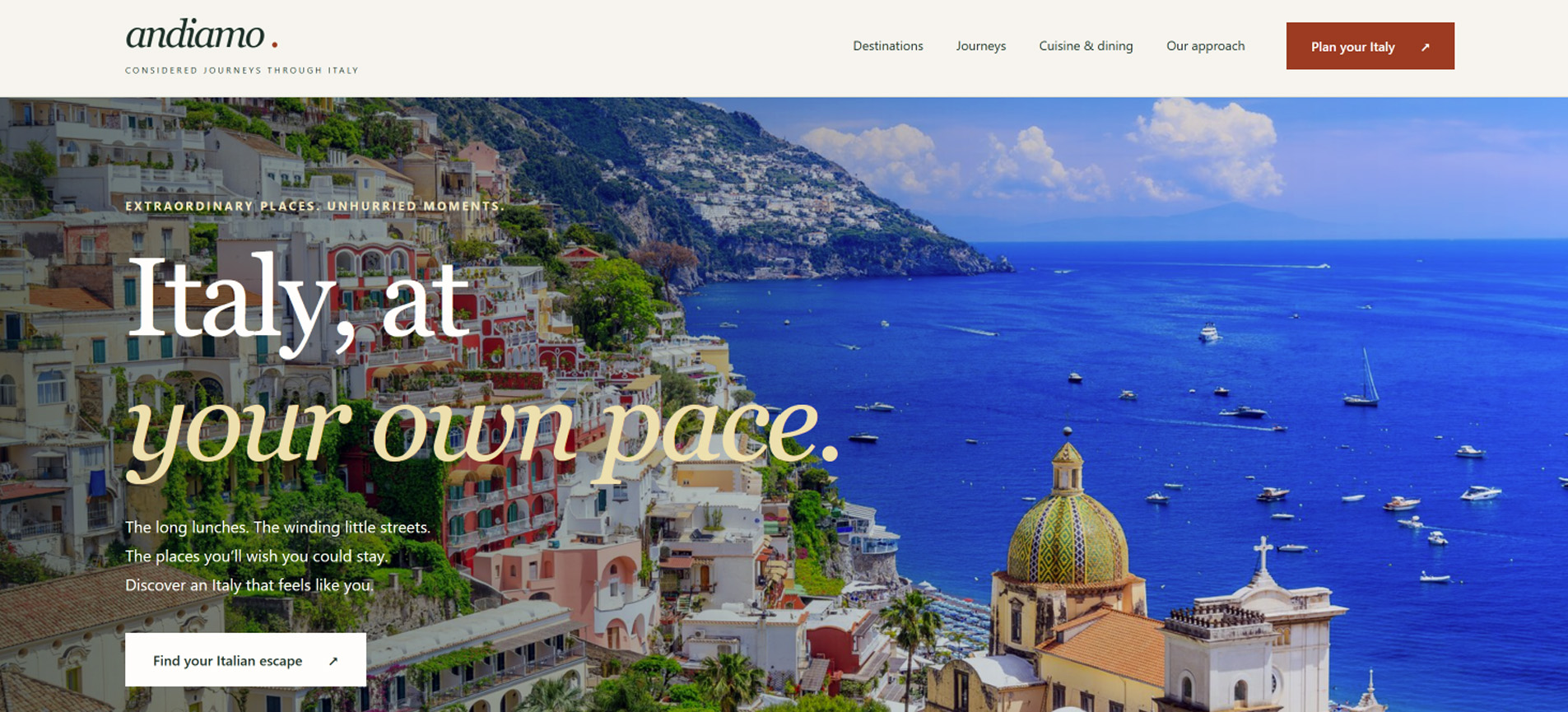
4. Travel Agency Website
Students will create a travel agency website design based on student's country of origin, culture, cities, and cuisines.
Website Theme Example
Website Editing Reference Guideline
Download Website Theme -
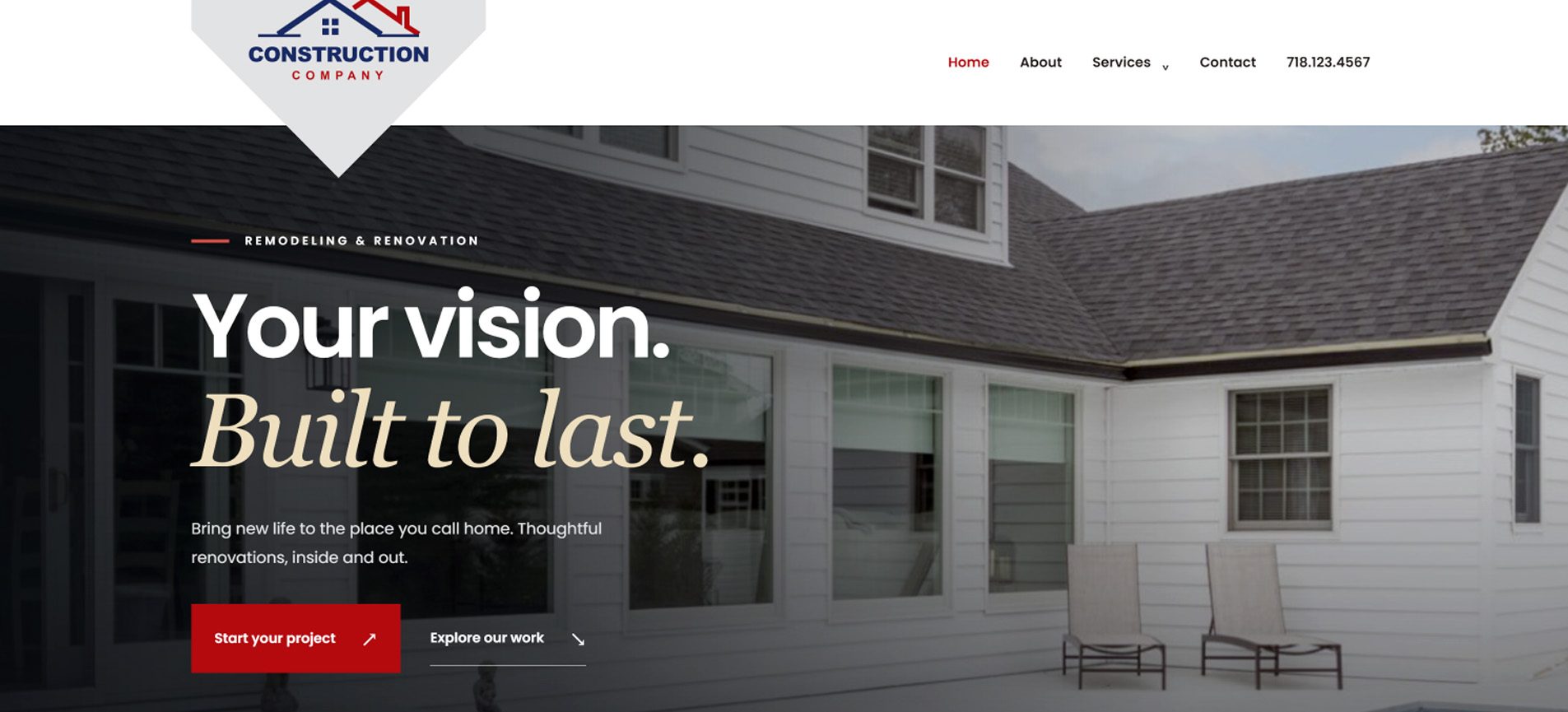
5. Construction Company Website
Students will create a construction company website featuring content pages of mason, siding, roofing, and custon carpentry.
Website Theme Example
Website Editing Reference Guideline
Download Website Theme -
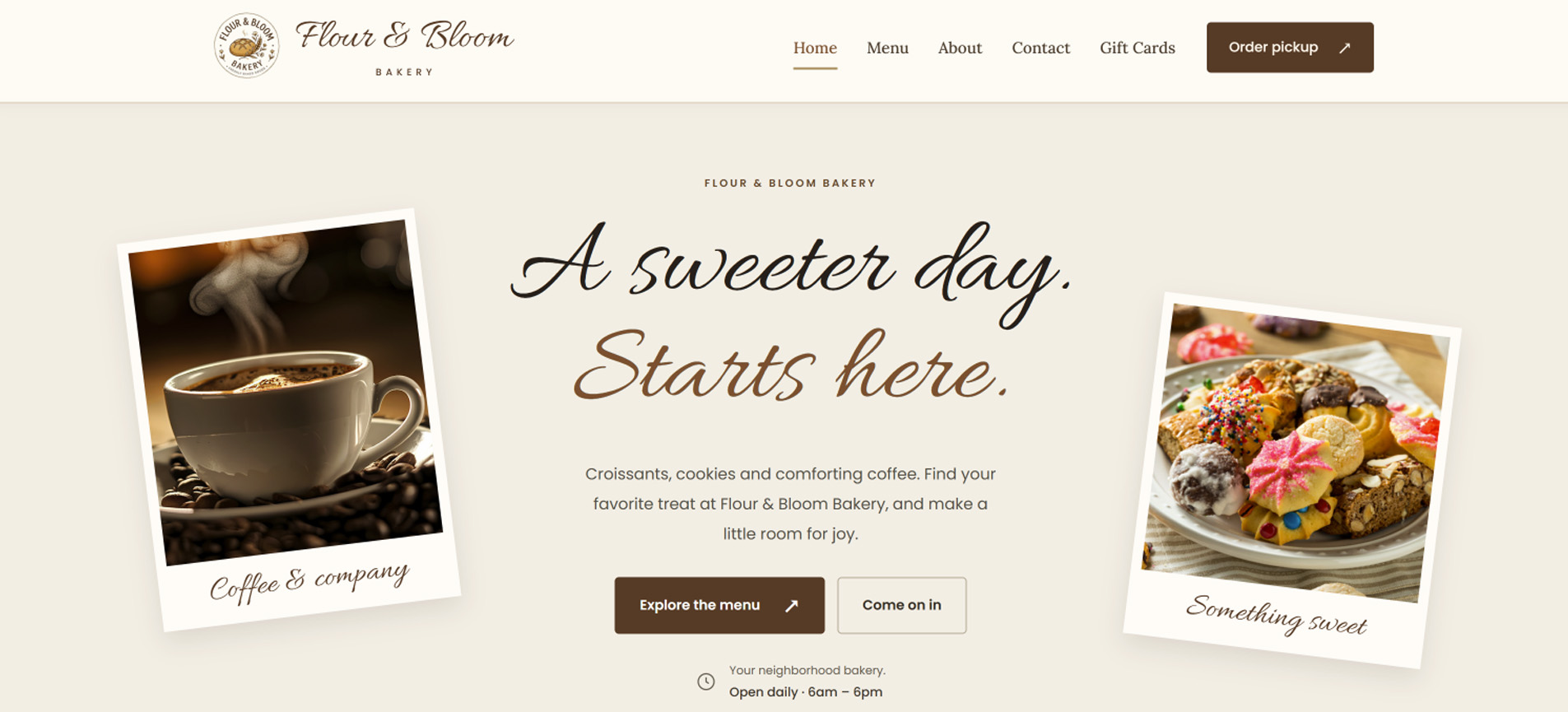
6. Coffee & Pastry Shop Website
Students will create a coffee and pastry website featuring breakfast, coffee, and pastries, with a custom menu and a gift card option.
Website Theme Example
Website Editing Reference Guideline
Download Website Theme -
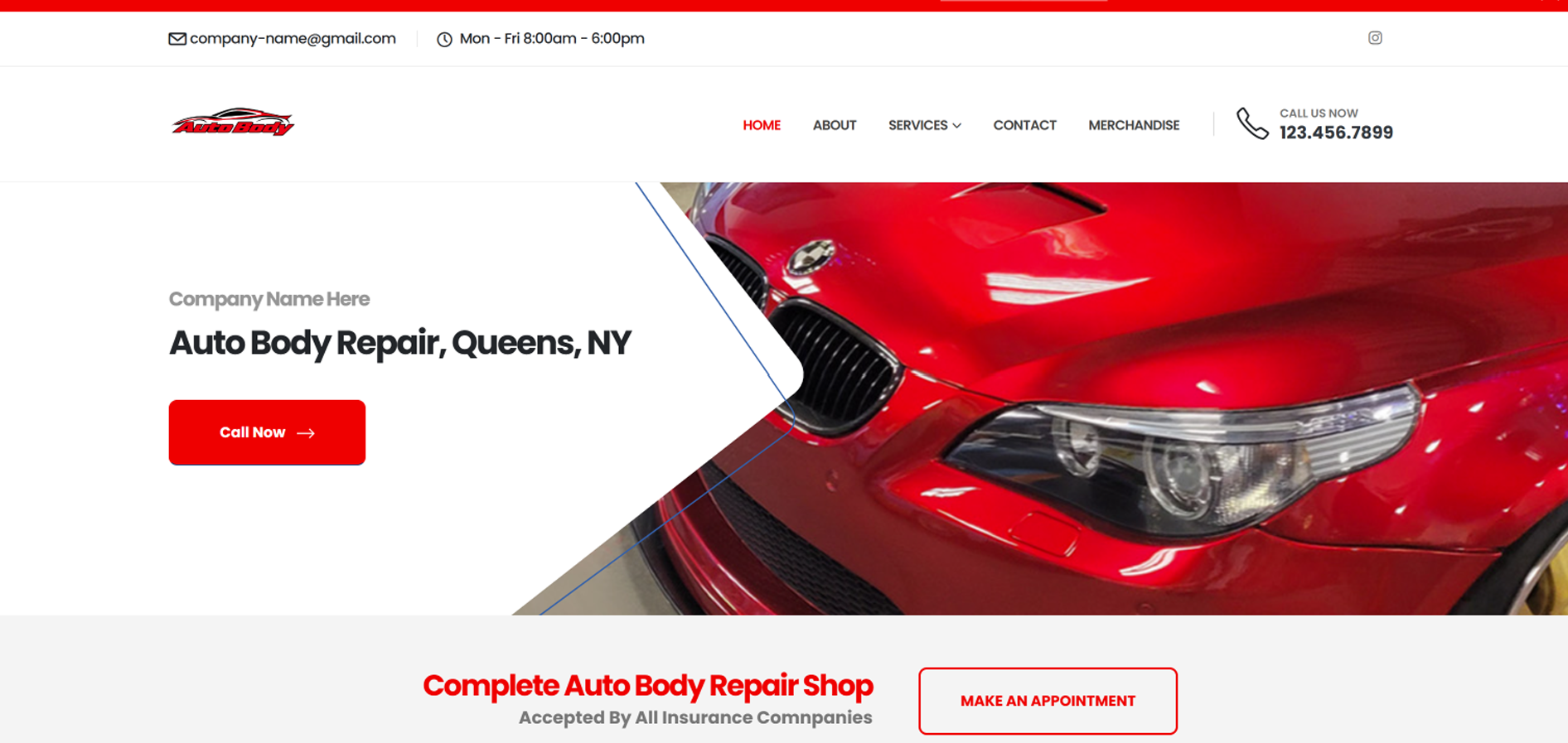
7. Auto Body Repair Shop Website
Students will create an auto body repair shop website featuring services and merchandice for sale.
Download Auto Body Website Theme
Student Examples
1 2 -
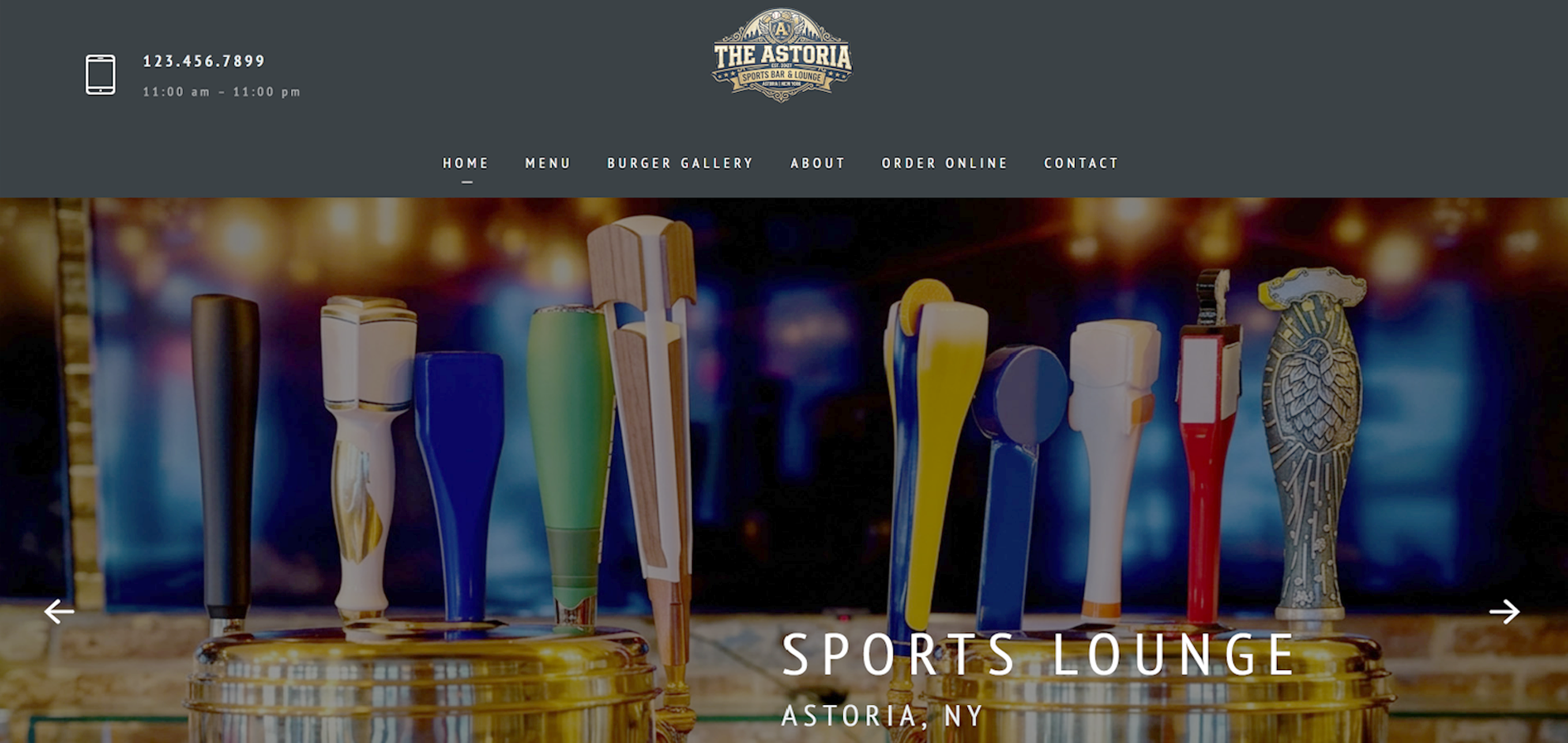
8. Sports Lounge Website
Students will create a sports lounge website featuring a full menu with beverages and food for online orders.
Download Sports Lounge Website Theme
Student Examples
1 2 -
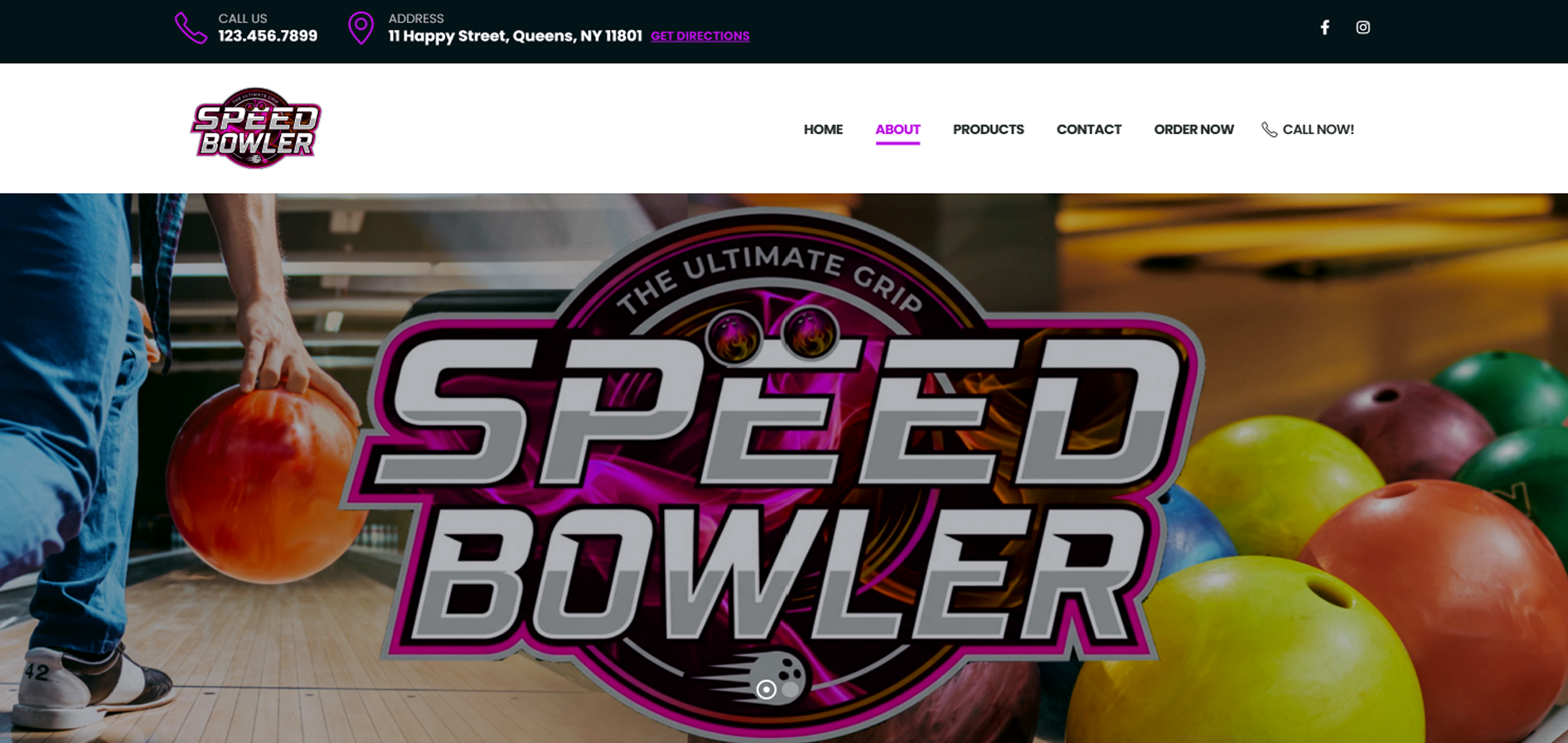
9. Product Sales Website
Students will create a product sales website related to sports or consumer goods with online purchasing links.
Download Product Sales Website Theme
Student Examples
1 2 -
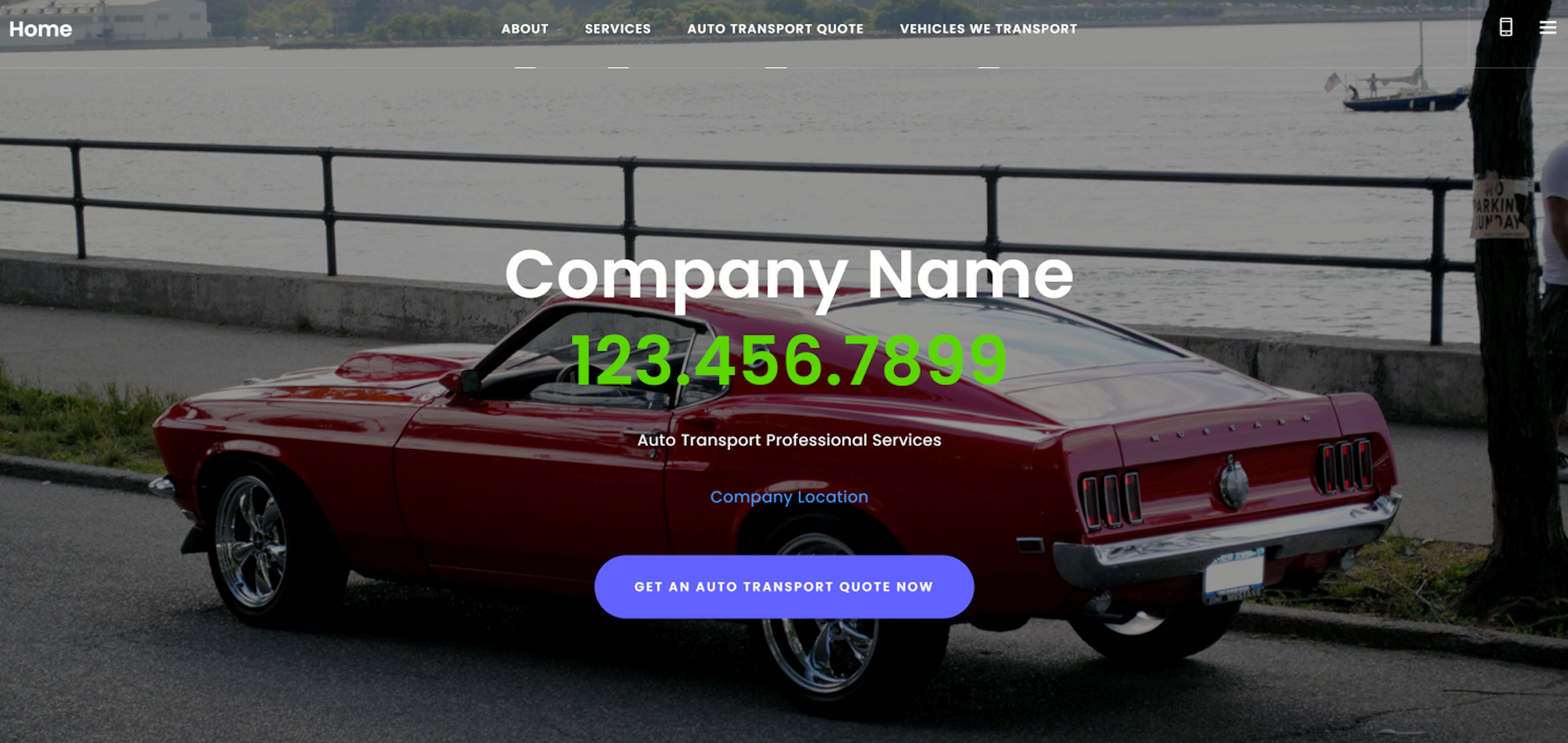
10. Exotic Auto Transport Website
Students create a website for an exotic car, bike, and boat transport service shipping vehicles nation wide.
Download Exotic Auto Transport Website Theme
Student Examples
1 2 -
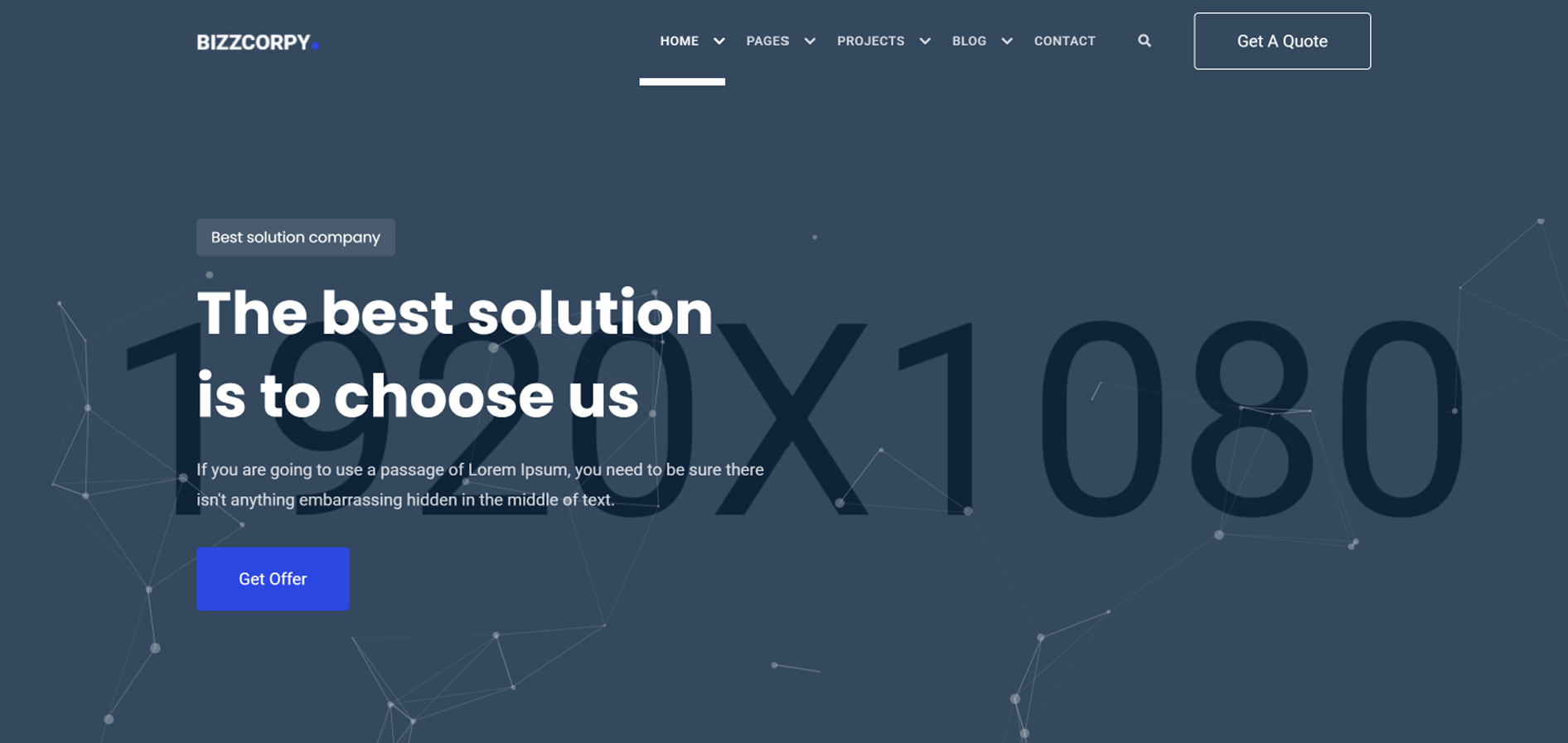
11. Video Game Testing & Sales Website
Students create a website for either video game testing, online video game sales, or both with games of their choice.
Download Video Game Testing & Sales Website Theme
Student Examples
1 2 -
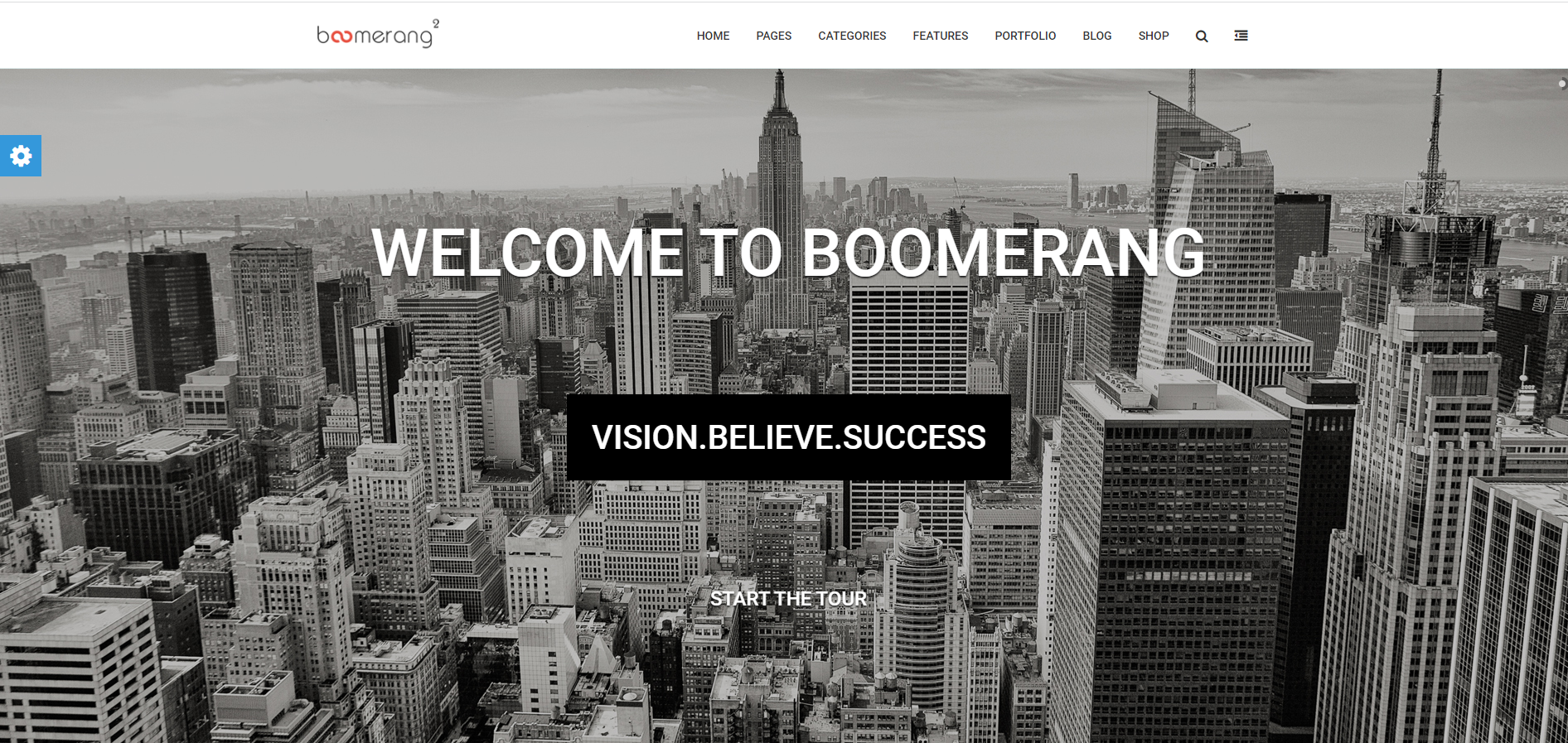
12. Boomerang Website
Students will redesign Nike's website using their content completely for educational value and assessment.
Download Boomerang Website Theme 1
Download Boomerang Website Theme 2
Student Examples
1 2